Quick Fix: How to Use ChatGPT to Clean Up a Photo of Yourself
Sometimes you need a better photo before you have time to schedule a real shoot.
ChatGPT’s recent upgrade to its image generation capabilities can help with that.
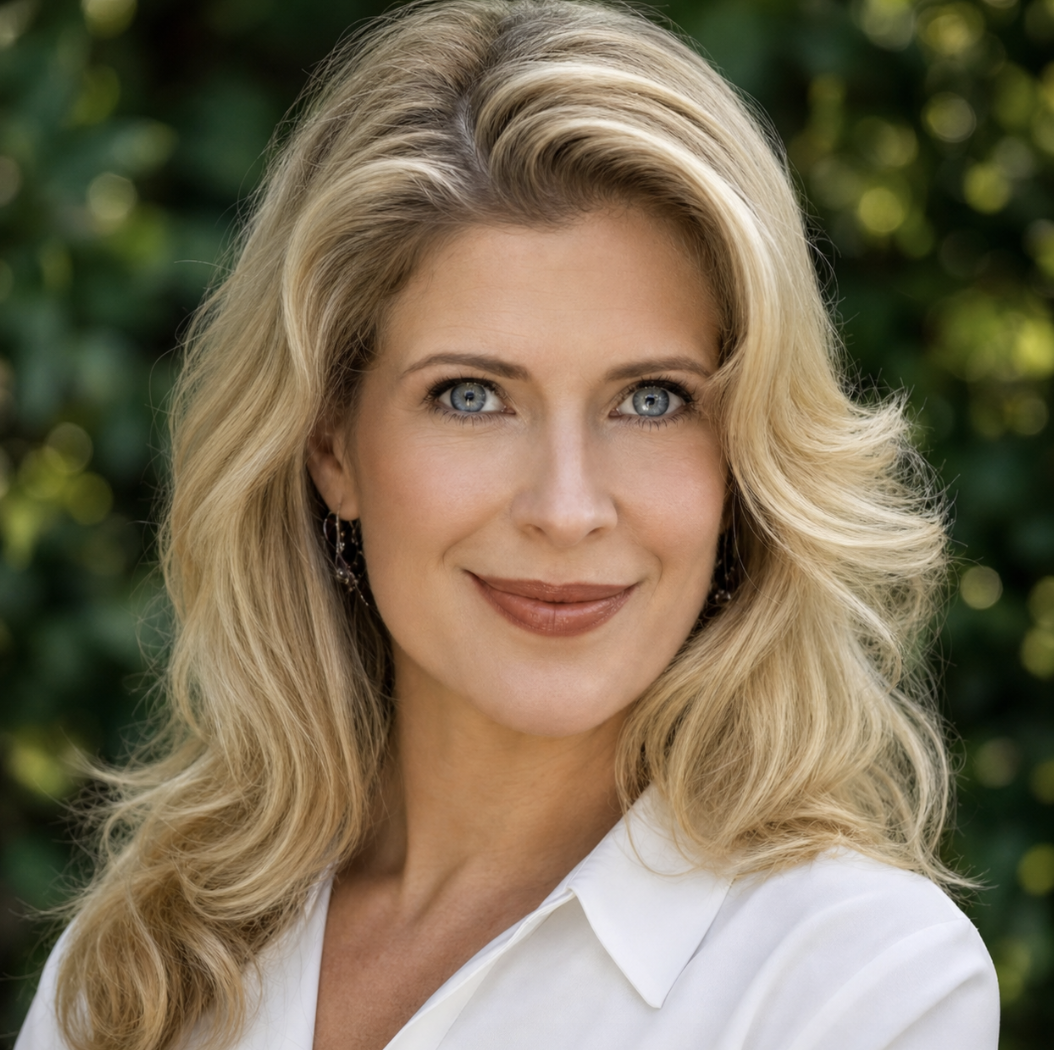
You can upload a photo and ask it to make light edits: clean up the background, improve the lighting, soften harsh shadows, even out skin a little, or make the image feel more polished and professional.
Here’s a simple prompt to use:
“Please retouch this photo so it looks polished but still natural. Keep face, features, expression, and overall appearance the same. Improve the lighting, clean up any small distractions in the background, soften harsh shadows, and make it feel professional but approachable. Do not make it look overly airbrushed or AI-generated.”
The key is to ask for polish, not transformation.
Don’t ask it to change your face, make you look ten years younger, or turn a casual photo into something fake. People can feel when an image is off. The goal is not to become an AI version of yourself. The goal is to remove the little distractions so the photo feels cleaner and more useful.
A quick AI edit is great for a placeholder, a bio, a social post, or a photo that is almost there.
But if the image really matters — your website, listing presentation, press kit, or personal brand — that is where a real shoot still matters. A strong brand photo is not just a nicer picture. It is positioning. It tells people what kind of agent you are before they ever read a word.
Use ChatGPT when you need a quick fix.
Use a photographer when the photo needs to actually work.
Love,
Lindsey
BEFORE
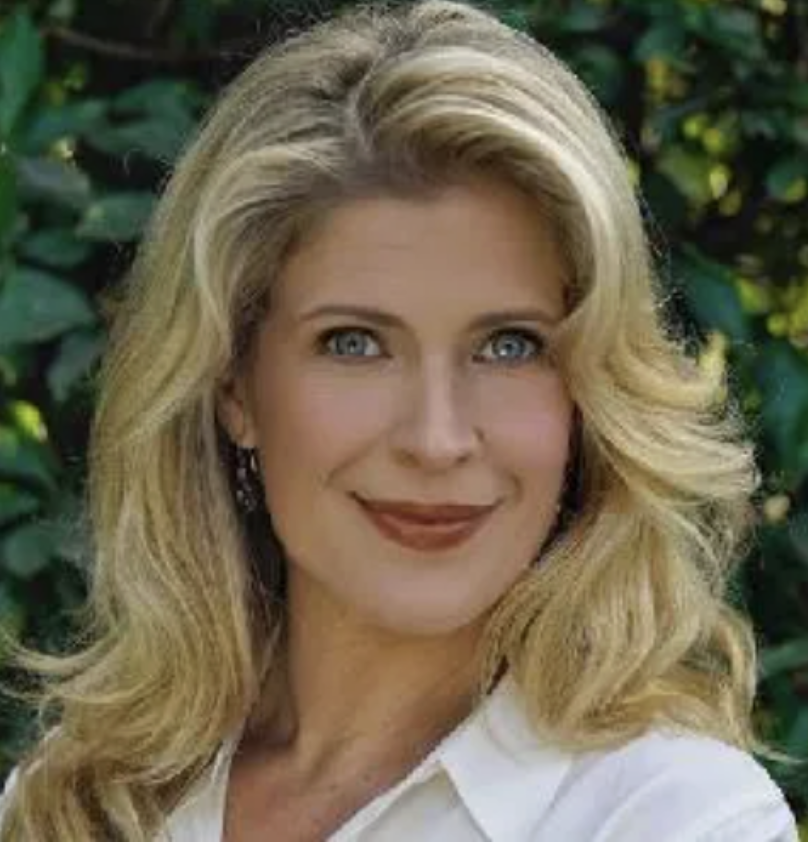
low resolution; face is too dark; colors muddy and she seems to blend in with the background instead of standing out from it.
AFTER